Currently in BETA, in development
Only the Global version on Steam supported
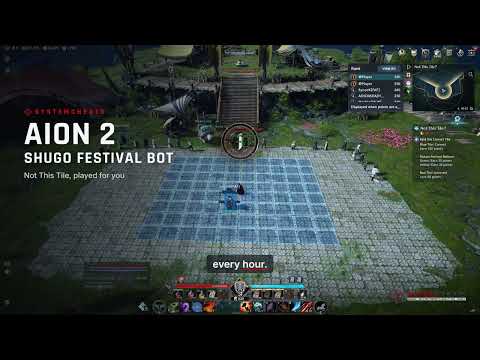
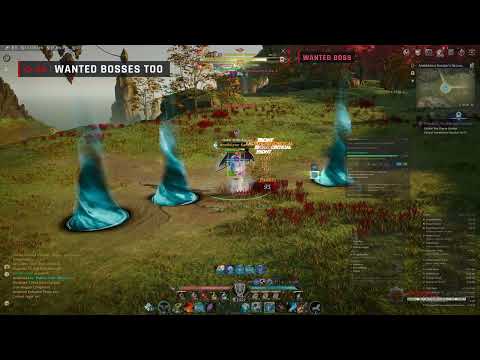
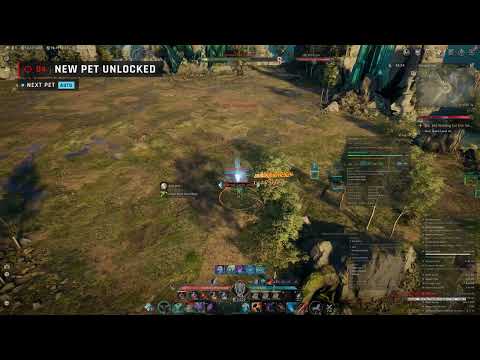
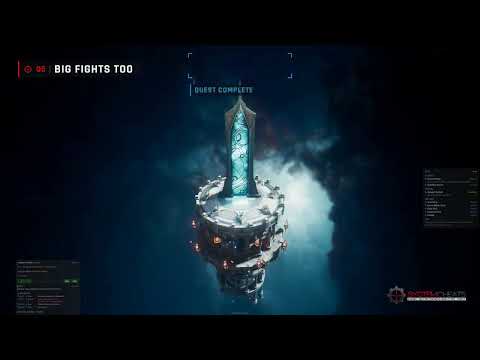
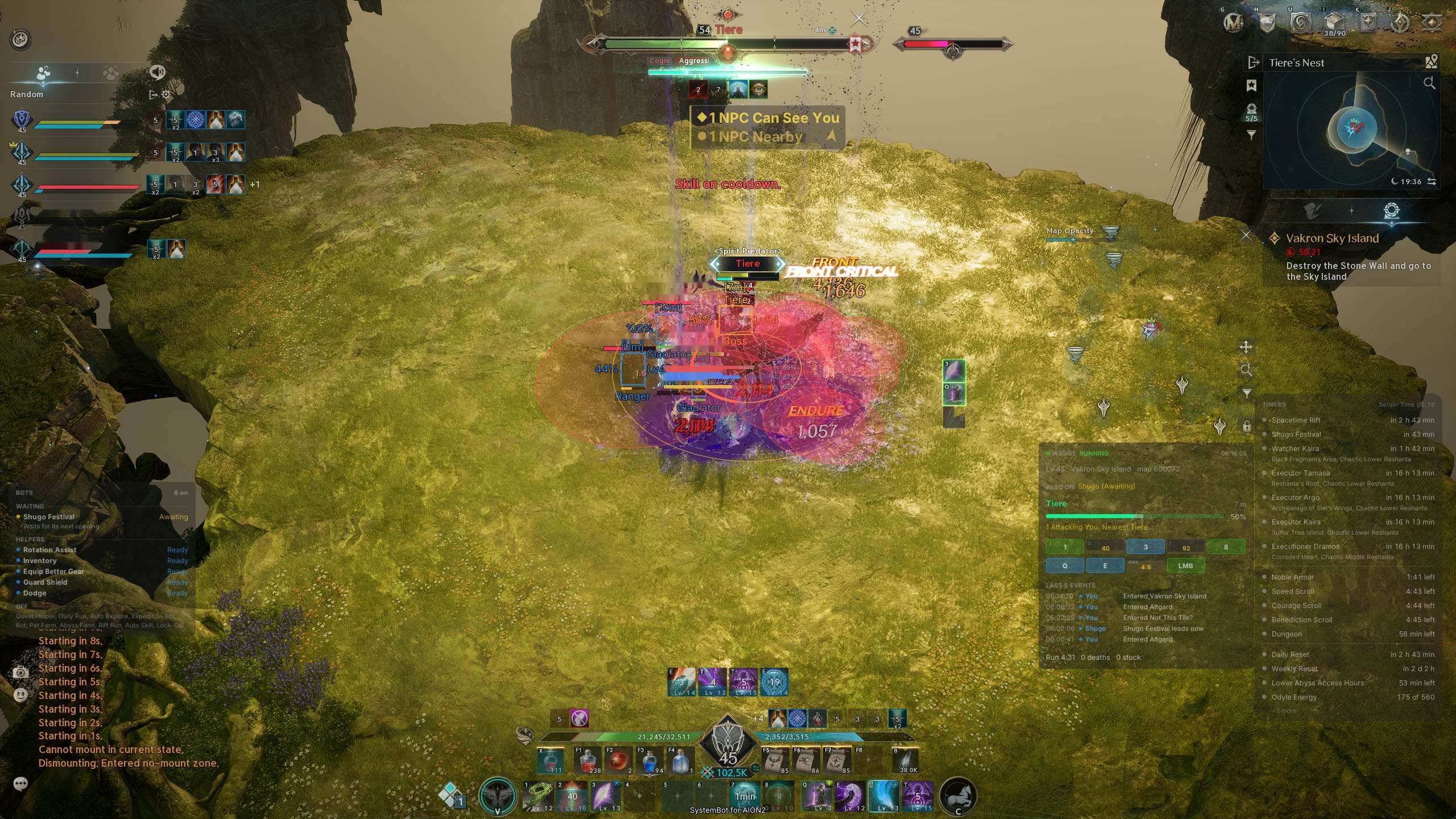
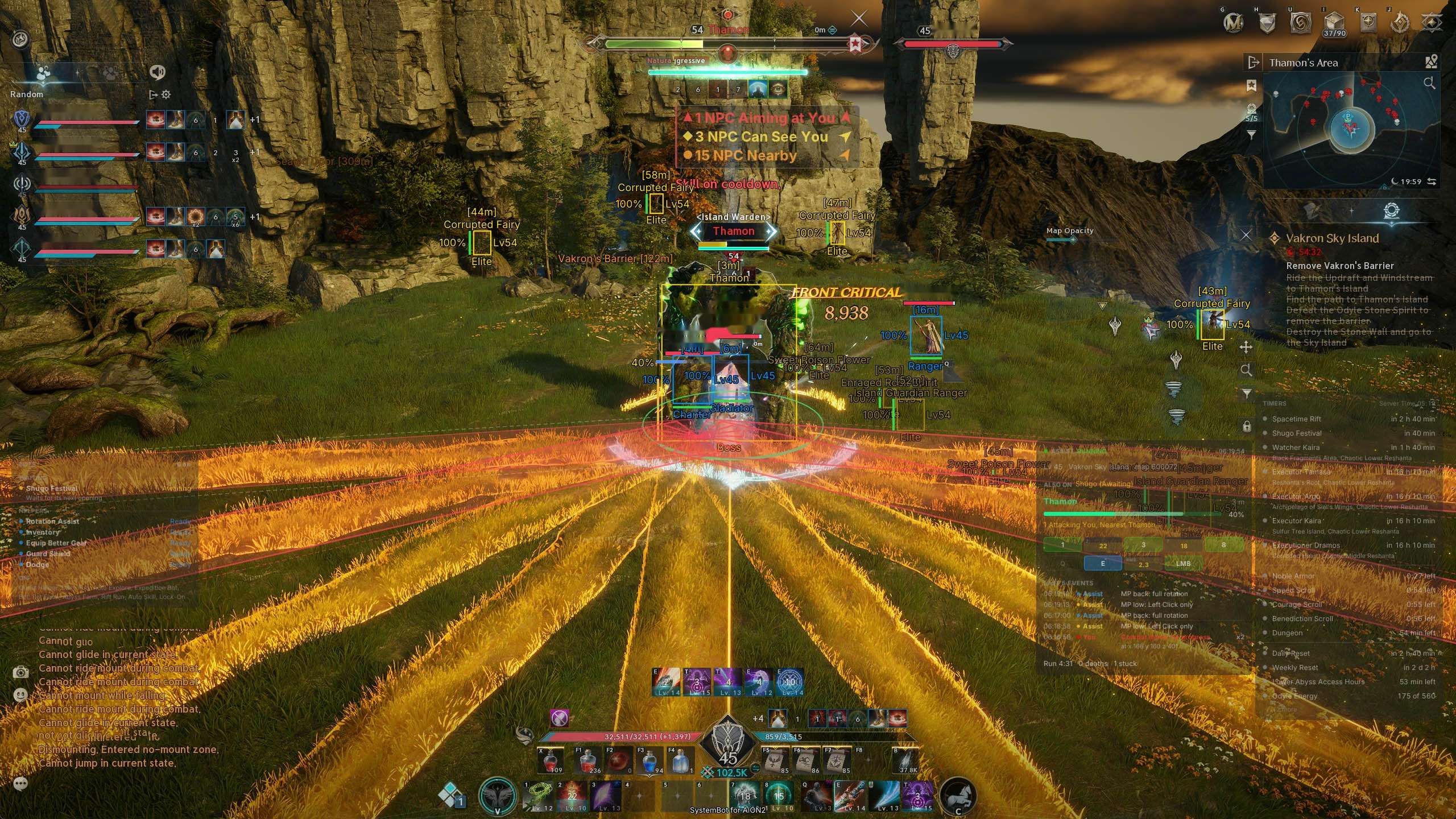
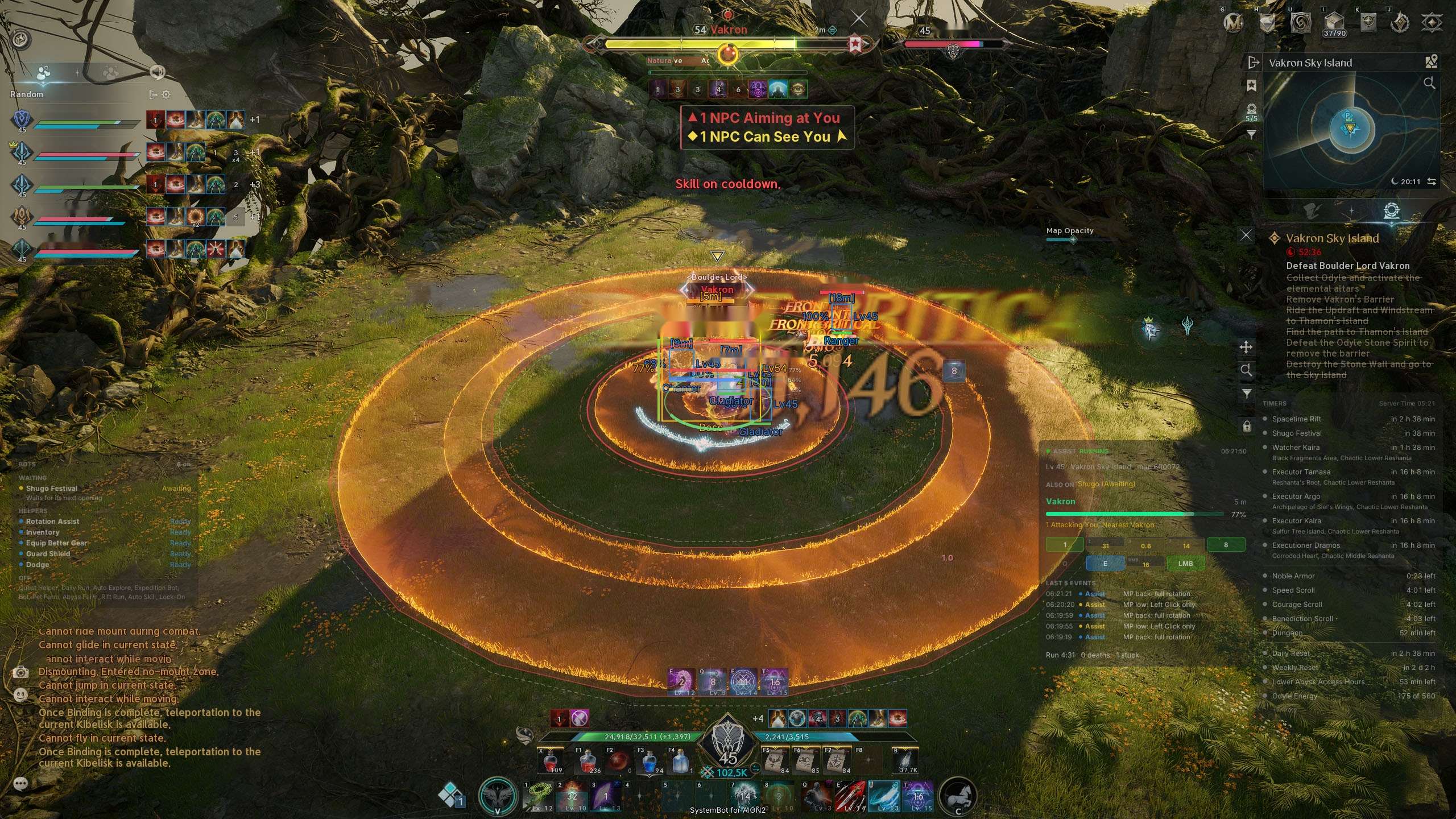
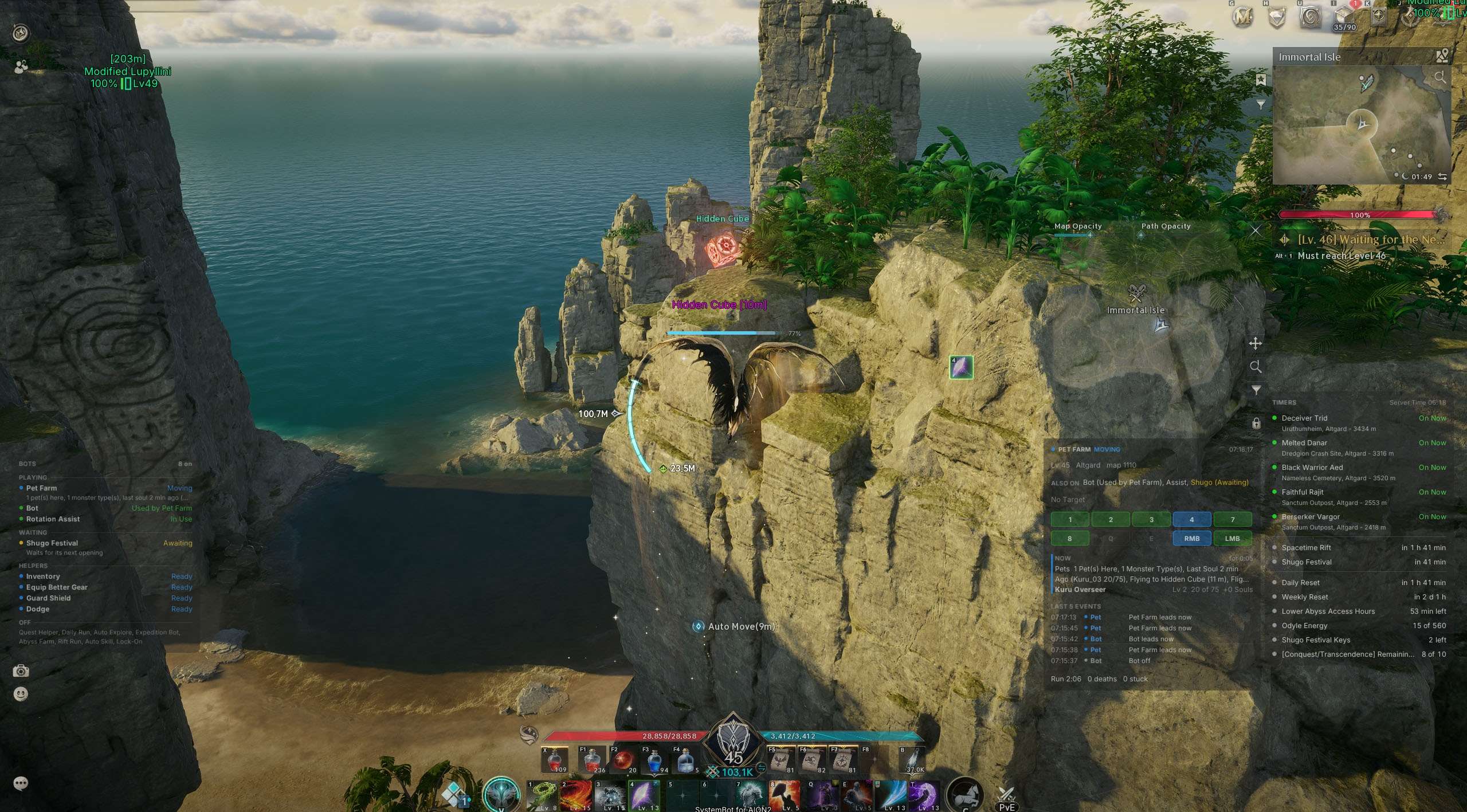
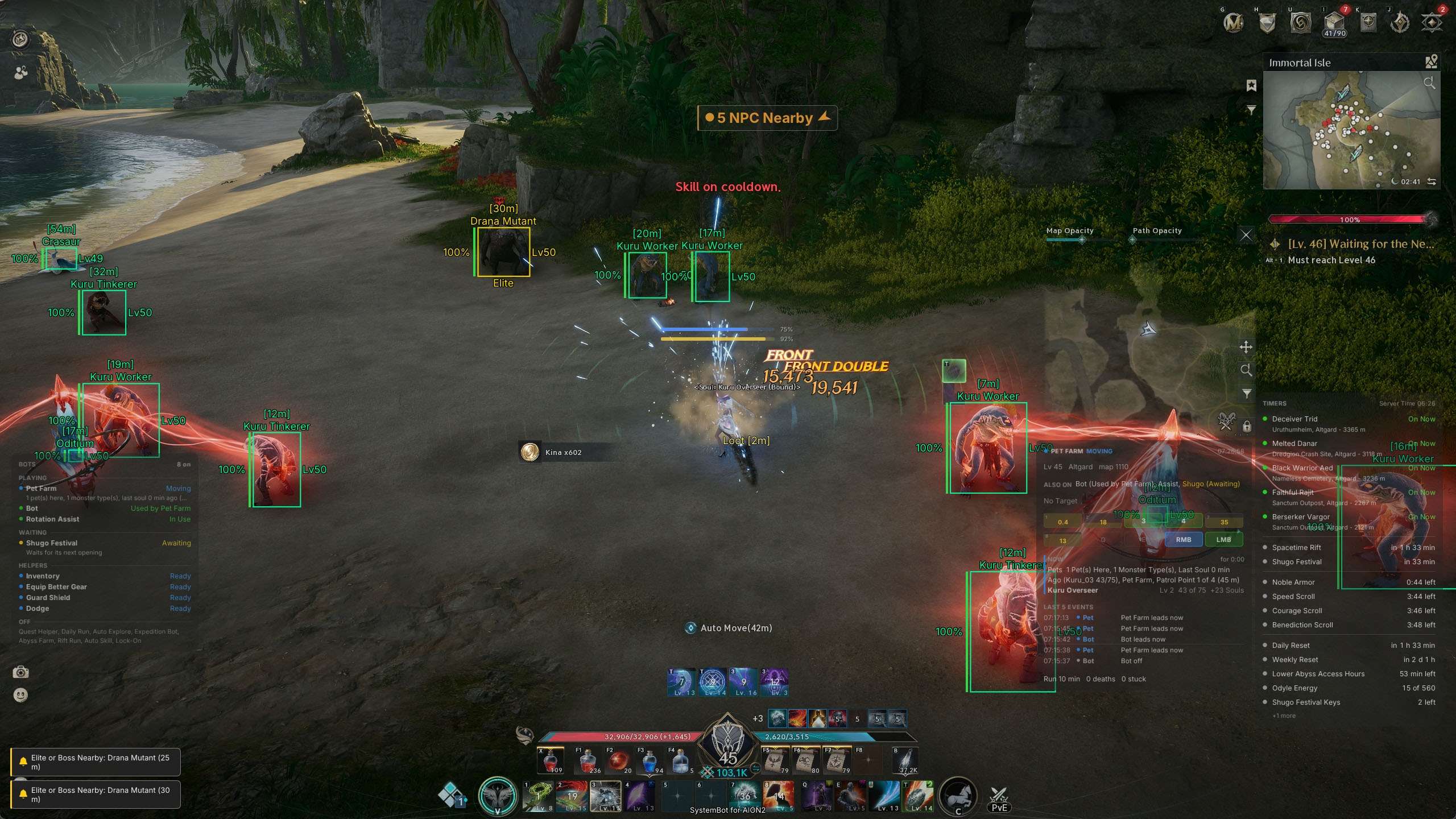
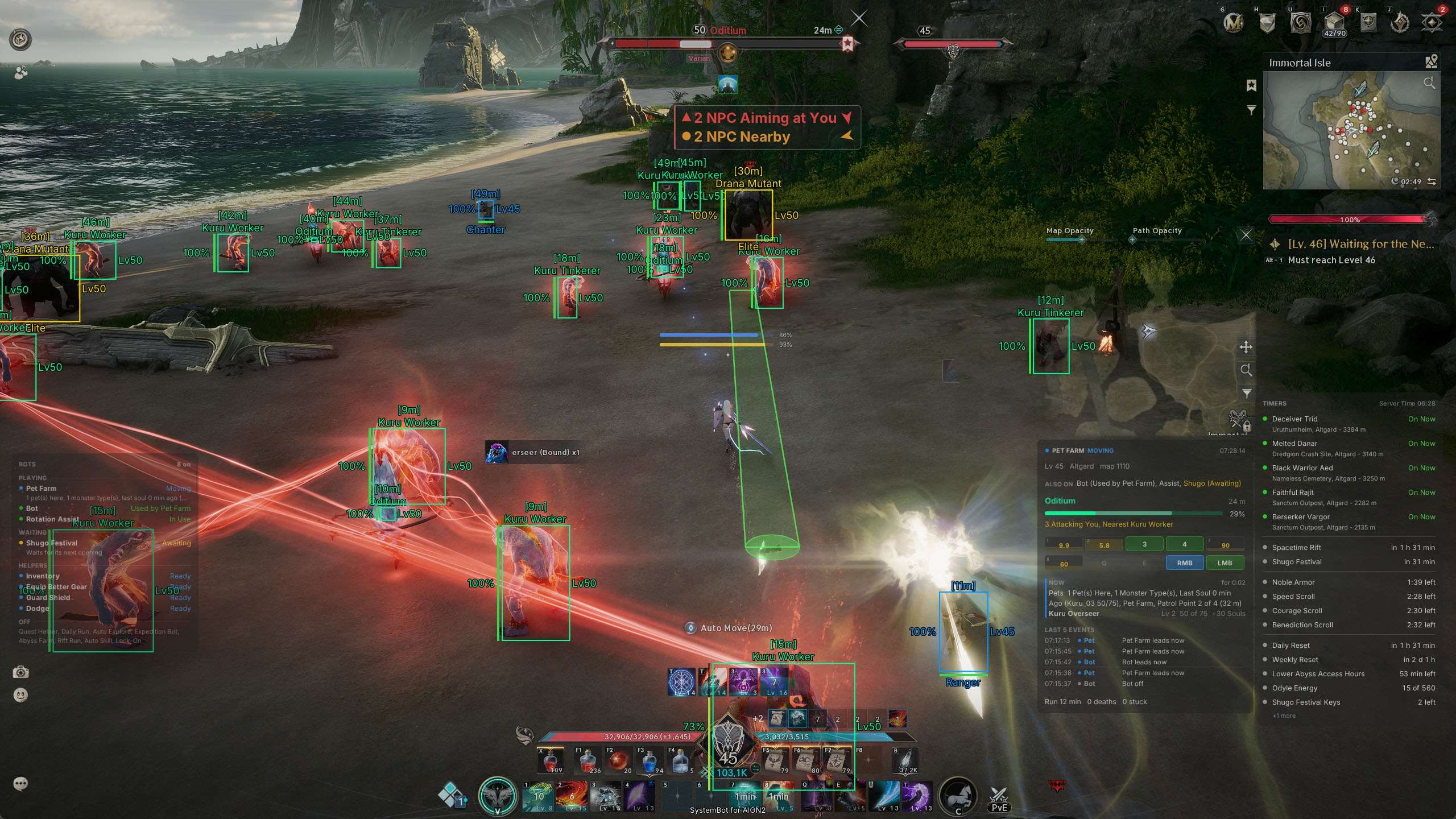
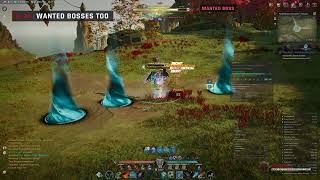
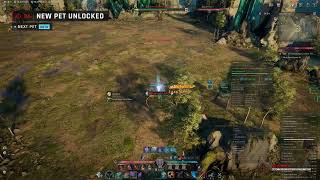
Explore the AION 2 Cheat for PC.
AION 2 is NC’s fantasy MMORPG set in Atreia. Elyos and Asmodians explore a world built around flight, PvE and faction conflict. The Global game is available on Windows PC through Steam and PURPLE. Its class choices cover melee fighters, ranged damage, summoning, tanking and healing. A character’s progress involves quests, combat and equipment, with solo places and group dungeons offering different activities.
Our AION 2 Bot focuses on that routine. Automation handles travel, questing, gathering and farming, while Bot Assist handles the skill rotation. The bot levels a character from level 1 to 45 all on its own. Its scope includes Rifts, the Abyss, sealed dungeons and strongholds. Class profiles let you tune how your character fights instead of applying one combat setup to all classes.
The bot thinks for itself. It finds your class on its own and loads the right profile. It dodges red ground zones in a fight, checks the time left before it starts a Rift task, and tells you on the HUD what each task is doing or why it waits. You choose the tasks, and the bot works out the rest.
Set the combat profile, choose the tasks and follow their progress from the HUD. The AION 2 hack is a full bot. It quests, farms and fights for you with your class rotation. The AION 2 bot is in development. Access follows the beta. Check the live cheat status page before buying.
Start with Bot Assist and Automation, then tune the supporting tabs. The highlights are below, and the full option list is in the Features panel on this page.
The Global classes are Gladiator, Templar, Assassin, Ranger, Sorcerer, Spiritmaster, Cleric and Chanter. Their roles differ, and the AION 2 Bot Assist settings give you control over the rotation. Turn on Use Class Profiles to use the detected class’s page. Rotation Assist uses skills while you hold its key, or you can set the key to toggle. Automated tasks need it enabled and run it without holding that key. Skip Skills on Cooldown passes over unavailable skills.
Follow Combo Chains gives an active chain step priority over buffs and attacks, while heals, defensive skills and gap closers come first. The Classes tab separates Skill Slots from Skill Order. Choose your skill setup and order there. Keep Distance (Kite) supports ranged spacing. Get Behind Elites and Bosses handles rear positioning, while Templar has Get in Front of Elites and Bosses. Enable the movement you want for the role you play.
The AION 2 Leveling Bot runs the story quests for you. Quest Helper follows the tracked main story. It handles talking, fighting and using objects, and skips cutscenes. The Quests setting chooses between the main story, side quests or a combination. Pick Up Side Quests Nearby accepts offered side quests under its distance and mode rules.
Collect Traces First adds nearby Empyrean Traces, and Gather While Questing uses the kinds selected under Gathering. For long trips, Teleport to Far Quests uses a scroll to jump close to the next quest, then walks the rest of the way. As you level, Spend Skill Points and Spend Stigma Points follow your class plan, so your skills grow on the way.
The Bot combines Gather and Grind. Gathering uses the selected nodes and pickups, while grinding fights nearby monsters through Bot Assist. You can work around your position or along a recorded path. Daily Run plays the day’s duties by itself. With Accept Duties by Itself it also takes offers, the highest ranked first, and plays them in the order with the least travel.
Teleport to Far Duties uses a scroll when a duty is far away, and Stop After Hours ends the session when you want. Pet Farm fights soul monsters for unfinished pets. Stop When Bag Is Full and Pause When a Player Is Near keep long sessions under your control. Between tasks, Auto Loot picks up drops, Equip Better Gear wears upgrades and Extract Gear breaks down the grades and levels you pick. Keep Marketable Items holds back gear you could sell on the market.
Sealed dungeons and strongholds are solo activities within character progression. Auto Explore selects an open, unfinished place and clears it before moving to another. Sealed Dungeons and Strongholds choose the kinds to include. The bot clears all sealed dungeons and strongholds to 100%, escort strongholds included. While the story runs, Do Sealed Dungeons checks for suitable places within your chosen radius. Do Strongholds adds camps after sealed dungeons. Group runs use Expedition Bot, which plays the expeditions you pick, follows the group and opens the reward cube when you have the Odyle Energy for it.
A Rift visit takes you into the opposing faction’s territory. The Abyss is a separate faction area. The AION 2 bot has controls for both, with different tasks and entry behavior. Rift Run walks to an opening portal and enters. Their Sealed Dungeons and Their Strongholds select activities on the other side. The bot checks the time left on the visit before it starts one. Guard Shield keeps bots away from enemy guards and restricts nearby movement and combat. In enemy territory it also blocks teleports and attacks on players.
For the Abyss, Enter the Abyss handles entry to the Lower Abyss. Abyss Farm works in Lower Reshanta by itself. Fight Monsters picks monster spots near your level or follows a recorded path, and leaves out spots near the other faction’s guards. Between fights it gathers Odyle and Empyrean Traces near the spot with Gather Odyle and Collect Empyrean Traces, and it refills flight at Flight Circles. If an enemy player attacks, Counterattack Enemy Players fights back and Use Power Shards on Players turns your Power Shards on for that fight. When your Abyss time runs low, it goes home.
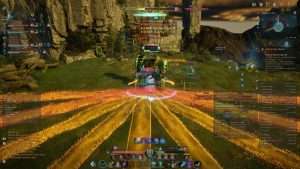
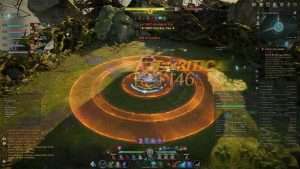
Combat movement and travel need different controls. Dodge Red Zones moves out of ground warnings and can run without an active bot. The class page’s Dodge choice sets which zones to handle. Use Dodge Roll enables the game’s roll, while Save Stamina for a Dodge reserves a roll for a red zone when possible.
Avoid Purple Pools keeps you out of lingering hazards. Record Path records movement while walking, gliding, flying or swimming. Pause Recording in Fights leaves combat movement out of the recorded route. Draw Route makes the path visible, and Use As assigns it as a path, map route or shortcut. The Path Editor lets you change a route after you recorded it.
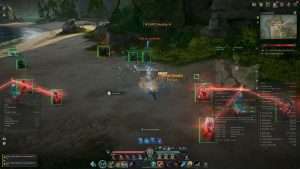
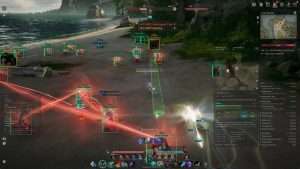
The AION 2 cheat includes display tools to help you read the area and understand the bot’s activity. Player Name ESP, Player Class ESP and Player Race ESP identify player contacts. NPC Name ESP and NPC HP ESP provide information about NPCs. Filters choose which contacts to draw. Show Radar gives a separate view of contacts. Show Gather Nodes and Show Collectibles use the kinds enabled in the World tab.
Show Path adds the selected path or the Quest Helper’s route. The Info Box brings vitals, target details and skill keys together. Bots Window lists tasks as active, off or waiting. Why Under Each Bot explains what a task is doing or why it waits. Boss or Elite Nearby and A Player Targets You add warnings. Use Configs to save a named setup and load it again without rebuilding your settings.
Use the account and support pages to check access and prepare your setup.
Read the live cheat status page before buying. The bot is made for the Global PC version on Steam. The Korean and Taiwan versions are not supported.
Create a forum account to manage your subscription. AION 2 is sold as its own subscription. It is not included in the Premium Package or the One Day Trial.
Use the setup instructions supplied for beta access. Start with your class profile and Rotation Assist, then choose an automation task. Ask on the forum if you need help with the supported client or settings.
NC’s Global support identifies NCGuard as part of AION 2’s security system. NC’s rules prohibit unauthorized automation, and account penalties can apply. Rotation, movement and pause settings are controls, not protection from detection. Check the live cheat status page for product status. No cheat is ever completely risk free.
No. AION 2 is sold as its own subscription. It is not included in the Premium Package or the One Day Trial.
The AION 2 bot is in development. Access follows the beta. Check the live cheat status page before buying.
Yes. Quest Helper runs the story quests by itself, with Rotation Assist for the fights.
NC’s Global support identifies NCGuard. No cheat is ever completely risk free.
Yes. Rift Run, Abyss Farm and Auto Explore are included. It clears all sealed dungeons and strongholds to 100%, escorts included.
The bot is for the Global Windows PC version on Steam only. The PURPLE launcher is not supported.
Yes. Use Class Profiles applies the detected class’s settings. Skill Slots and Skill Order control skill use.
No. The AION 2 bot is made for the Global version only. The Korean and Taiwan versions are not supported.
Let the AION 2 bot do the playing, from quests and dailies to dungeons, Rifts and the Abyss. Choose the tasks that fit your character, set their limits and follow progress through the HUD. Paths, avoidance and the display tools support that work.
Ask about beta access, client compatibility or class settings on the SystemCheats forum. Include the task you want to run and the setting you need help with.
What is AION 2?
AION 2 is the fantasy MMORPG from NC, set in the world of Atreia. Elyos and Asmodians level their characters through quests, sealed dungeons, strongholds and group expeditions, fly across the map, and fight the other faction in Rifts and the Abyss.
Cheating in AION 2
Our AION 2 bot is built around Bot Assist and Automation. It plays your class rotation with Rotation Assist, levels a character from level 1 to 45 with Quest Helper, clears sealed dungeons and strongholds with Auto Explore, and runs Daily Run, Pet Farm, Rift Run and Abyss Farm. It is sold as its own subscription for the Global version only, not in the Premium Package.
Is the AION 2 cheat safe?
AION 2 uses NCGuard on PC. No cheat is ever completely risk free. However, you can always adjust your settings to play legitimately for the long run. Check the live status page before you play.