Neverness to Everness Hack

Included in Premium Package and One Day Trial

Global/NA/EU and CN versions are supported!
Neverness to Everness Hack
Neverness to Everness Hacks
Neverness to Everness Cheat
Neverness to Everness Cheats

Neverness to Everness Hack Aimbot ESP for PC

Get instant access to the Neverness to Everness Cheat for PC.

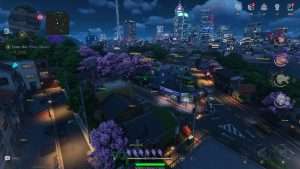
The metropolis of Hethereau has finally opened its gates to the world.
Neverness to Everness is a massive hit, blending the high-stakes life of a city tycoon with the eerie, fast-paced world of anomaly hunting.
You play as an Appraiser, an unlicensed hunter operating out of the Eibon antique shop.
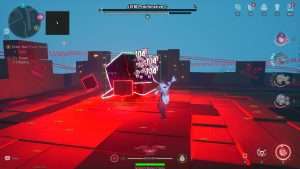
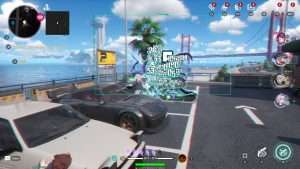
One minute you are managing your growing business empire or street racing in a customized supercar, and the next, you are fighting off supernatural distortions that threaten the fabric of reality.

Hethereau is a living city where every alleyway can hide a secret or a threat.
Success in this urban open world requires more than just good gear it requires awareness and precision.
Whether you are clearing out a haunted hospital or chasing down a high-tier anomaly in a street race, the pressure stays high.
Our Neverness to Everness hack is built to help you manage that pressure, giving you the tools to track every item and hit every shot while you build your legacy in the city.

Neverness to Everness Hack and Cheat Features

This Neverness to Everness cheat for PC gives you total control over the supernatural.
Every setting is adjustable with sliders and hotkeys to keep your gameplay looking natural to other players.

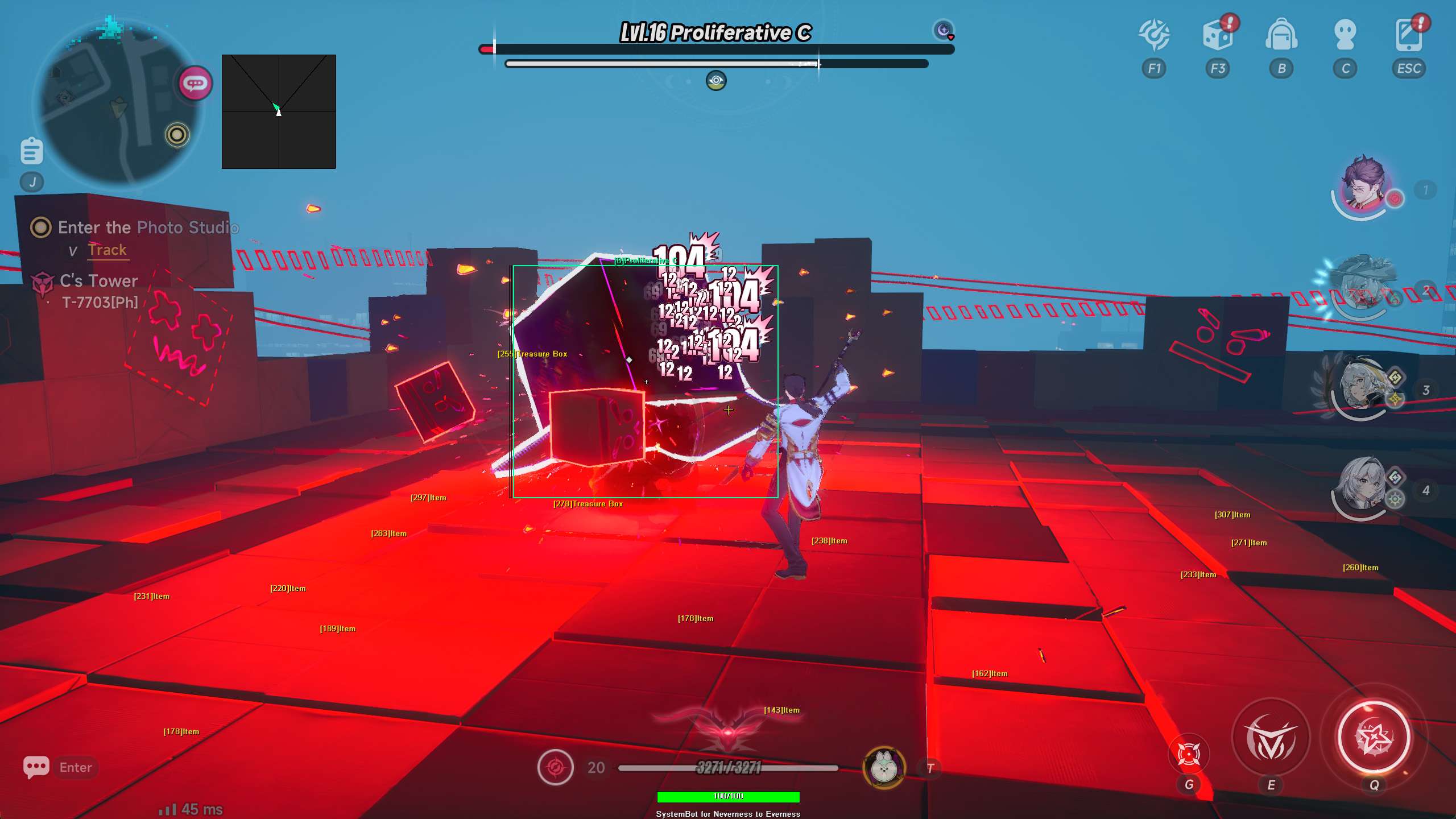
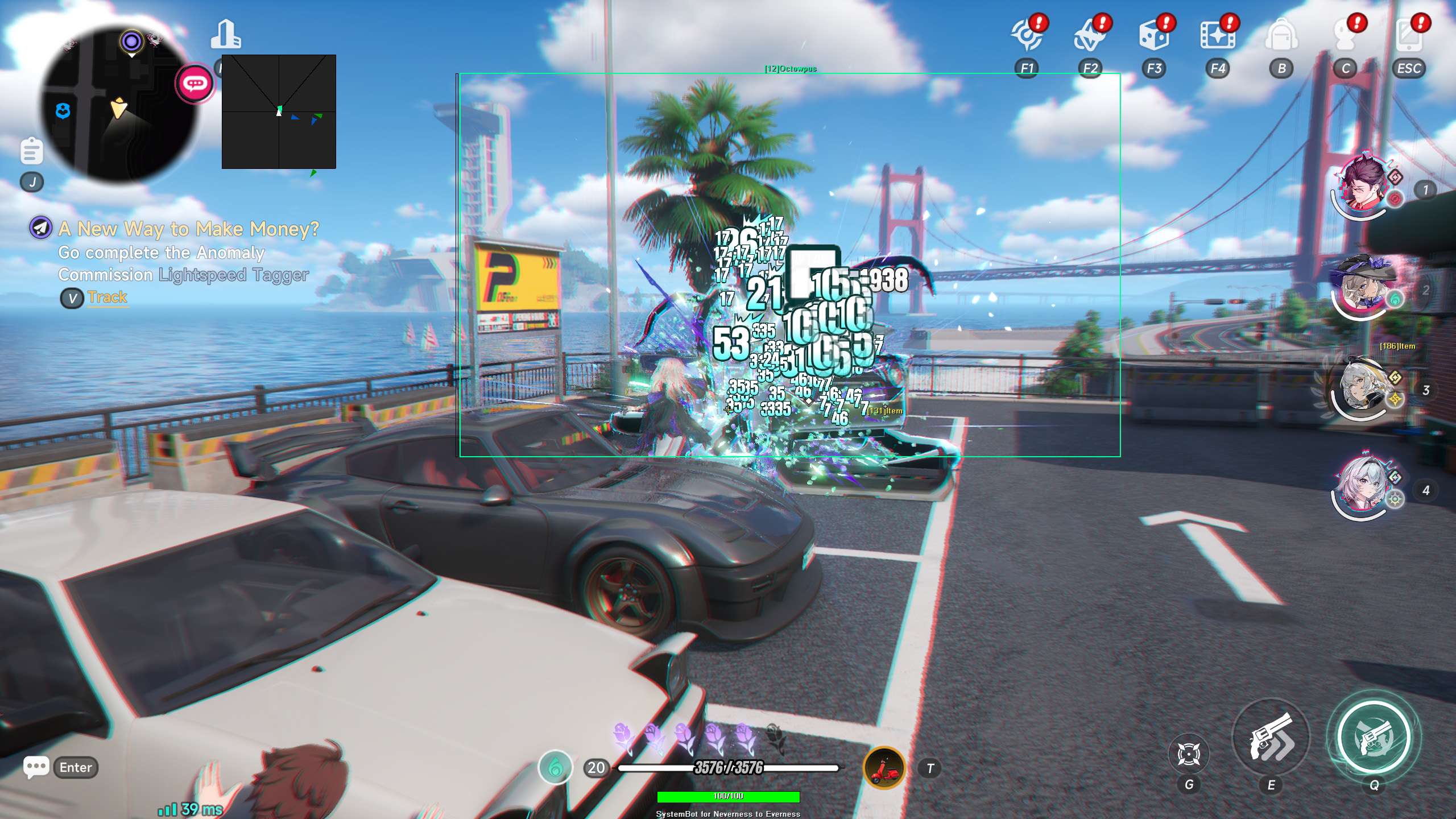
  • Aimbot: Includes Auto Aim, Smooth Aim, and adjustable Limit Angles. You can set specific bones like Head, Neck, or Chest. It also features Bullet Speed and Drop Prediction to ensure your Esper abilities land even at long range.
  • Triggerbot: Automatically fires when an enemy enters your crosshair. You can set a Fire Delay and bind it to a specific key.
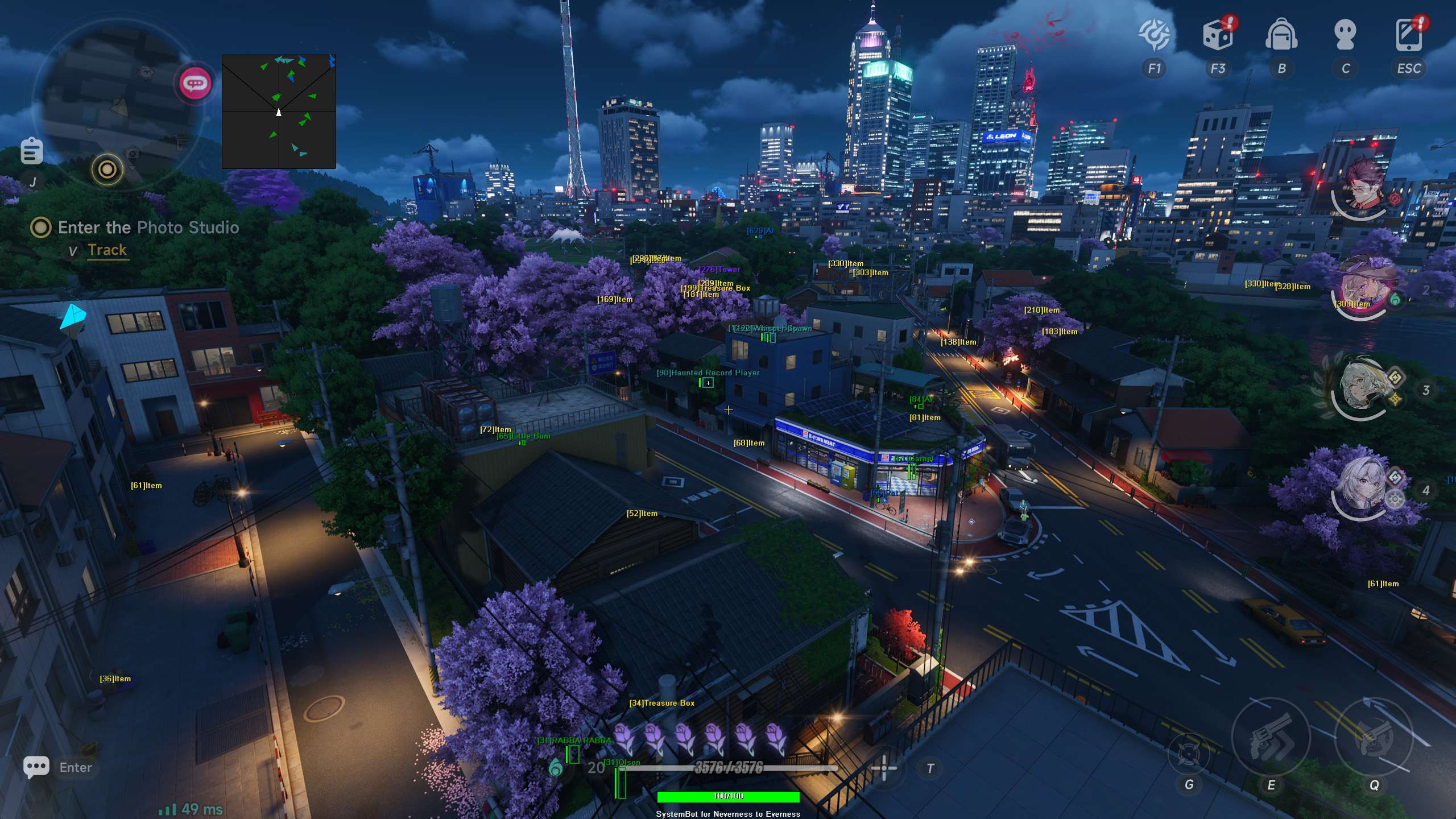
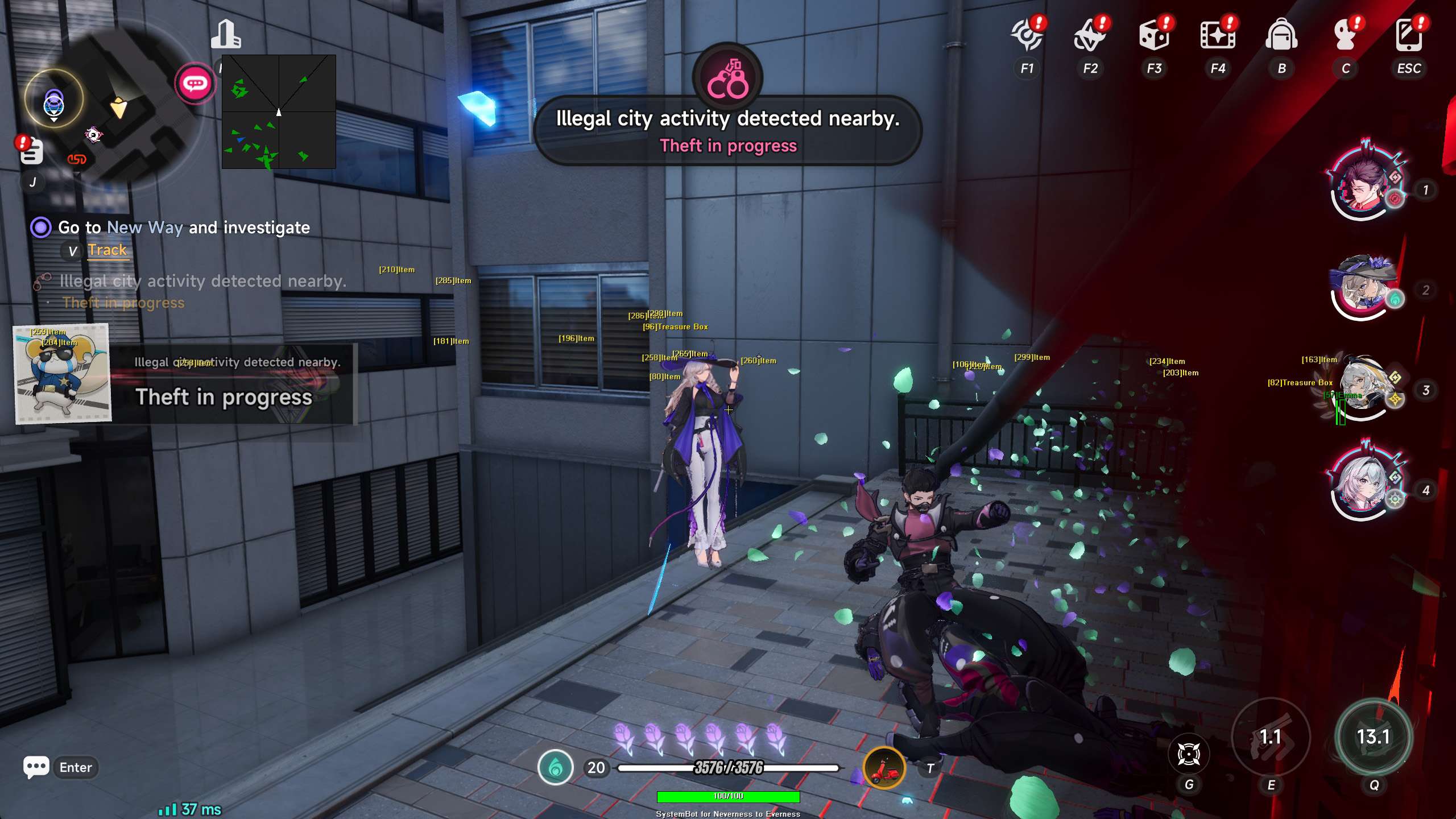
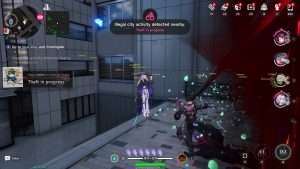
  • Player and AI ESP: See through walls with 2D or 3D Bounding Boxes. Track names, health bars, and distance for both players and AI enemies.
  • Item Visuals (ESP): Track everything in Hethereau. This includes Oracle stones, Furniture, Anomalies, Towers, Upgrades, Magicians, and Keys. You can also see Wallets, Coupons, Treasure Boxes, Vending Machines, and even Gacha walls or Photo Scenery.
  • Specialty ESP: Find Steal Items, Easter Eggs, Dan Events, Rain Man events, and Pockmon locations. It also highlights Boss Spawns and Fuel boxes for your vehicles.
  • Radar: A customizable 2D radar that shows friendly and enemy players and AI. You can change the scale, window size, and dot type to fit your screen.
  • Teleportation: Move instantly to your crosshair, items, quest objectives, or specific entities. Includes a Teleport Entity Indicator so you always know where you are going.
  • Automation: Includes Auto Combat, Auto Pickup, and an Auto Fish Bot. You can even set Auto Skip Dialogue to get back to the action. Because let is be real, you are here for the boss fights, not the chit-chat.
  • Movement: Features a Speed Hack, No Clip for walking through terrain, and Unlimited Jumps to reach the highest skyscrapers.
  • Modifiers: Use God Mode for you and your vehicle, No Skill Cooldown, and a Damage Multiplier. There is even a “Never Wanted” feature to keep the Bureau of Anomaly Control off your back.

How to Use the Neverness to Everness Cheat

Setting up your NTE hack is easy.
After you choose your plan, you will get access to our secure loader.
Open the loader, select Neverness to Everness, and launch the game.
Once you are in Game, you can open the menu by pressing the DELETE key.
From there, you can save custom profiles.
You might want one profile for stealthy anomaly hunting and another for high-speed city racing.

Why ESP Matters in Hethereau

Hethereau is a vertical city.
Anomalies can spawn on rooftops or deep inside subway tunnels.
Finding items like Oracle stones or hidden Treasure Boxes can be time-consuming without help.
The NTE cheat ESP lets you filter for exactly what you need.
If you are low on funds, you can turn on Wallet and Coupon ESP.
If you are hunting for rare upgrades, you can focus on Magician and Hunter boxes.
It turns a long search into a quick trip, letting you focus on the story and combat.

Is it Safe to Use the Neverness to Everness Hack?

Security is a priority.
While using any Neverness to Everness cheat comes with a small risk, we update our software frequently to stay ahead of game patches.
We suggest using the Smooth Aim and Visibility Check features to keep your actions looking human.
Avoid using extreme speed hack values in crowded areas like Hankaku Street to stay under the radar of other players.

Master the Supernatural Metropolis

Hethereau is a city of endless possibilities, but it is also a city of danger.
With the Neverness to Everness Hack, you gain the upper hand in every encounter.
Stop struggling with difficult boss spawns and start enjoying the life of a City Tycoon.
Whether you are after the perfect apartment or the highest combat rank, these tools help you get there faster.

Need Help with your NTE Cheat?

If you have questions about setup or features, our support team is available 24/7.
You can check our Premium Package for the best value on all our supported titles.
You can also read what other users think on our Trustpilot page.

Ready to dominate? See all our game cheats here.

Pricing

Features

Aimbot
Auto Aim Locks aim onto the closest valid target
Auto Fire Fires your weapon when a target is locked
Fire Delay (0 ~ 1000) Adds a pause before shooting once locked
Smooth Aim (1 ~ 50) Controls the speed the aimbot adjusts aim
Limit Angle (0 ~ 180) Sets the maximum angle the aimbot can snap
Use Aim Key Aimbot works only while holding the aim key
Bullet Speed Prediction Predicts bullet travel time to hit moving targets
Bullet Drop Prediction Adjusts aim down to fix bullet drop
Prediction Scale (1 ~ 30) Adjusts how strong the bullet prediction should be
Visibility Check Stops aiming at targets behind walls or objects
Stick to Target Keeps the aimbot locked on one target until they die
Randomize Aim Adds slight aim randomness for human like movement
Randomize Aim Speed (10 ~ 1000) Changes aim speed slightly to avoid patterns
Aim Style (FOV, Distance, Health) Sets how aimbot chooses a target
Aim Bone (Head, Neck, Chest) Sets the body part to aim for during targeting
Aim on Friendly Player Allows aimbot to target friendly players
Aim on Enemy Player Allows aimbot to target enemy players
Aim on Friendly AI Allows targeting of allied AI units
Aim on Enemy AI Allows targeting of hostile AI enemies
Max Distance (0 ~ 1500) Limits how far the aimbot will search for targets
Draw Locked Shows the currently locked target on screen
Draw Aim FOV Shows a visual FOV circle around your aim area
Triggerbot
Triggerbot Automatically shoots when your crosshair is on a valid target
Use Trigger Key Triggerbot only fires while the key is held
Fire Delay (0 ~ 1000) Adds a delay before the triggerbot fires
Trigger on Friendly Player Allows triggerbot to fire at friendly players
Trigger on Enemy Player Allows triggerbot to fire at enemy players
Trigger on Friendly AI Allows triggerbot to fire at allied AI units
Trigger on Enemy AI Allows triggerbot to fire at hostile AI units
Max Distance (0 ~ 1500) Limits the maximum distance the triggerbot will activate
Player
Bounding Box (None, 2D, 3D) Draws a box around players
Box Size (1 ~ 10) Adjusts the thickness of the bounding box lines
2D Line Draws a line from your screen to the player
Player Name ESP Displays the name of the player
Player Distance ESP Shows how far away the player is
Player Health ESP (None, Scaled, Static, Vertical) Displays the player health bar
Head Dot Draws a dot on the player head
Dot Size (2 ~ 20) Adjusts the size of the head dot
Aim Laser (50 ~ 3000) Draws a line showing where the player is aiming
Laser Size Adjusts the thickness of the aim laser
Show Friendly Player Shows ESP for friendly players
Show Enemy Player Shows ESP for enemy players
Max Distance (0 ~ 1500) Sets the maximum distance to draw player ESP
AI
Bounding Box (None, 2D, 3D) Draws a box around AI units
Box Size (1 ~ 10) Adjusts the thickness of the bounding box lines
2D Line Draws a line from your screen to the AI
AI Name ESP Displays the name of the AI
AI Distance ESP Shows how far away the AI is
AI Health ESP (None, Scaled, Static, Vertical) Displays the AI health bar
Head Dot (2 ~ 20) Draws a dot on the AI head
Dot Size Adjusts the size of the head dot
Aim Laser (50 ~ 3000) Draws a line showing where the AI is aiming
Laser Size Adjusts the thickness of the aim laser
Show Friendly AI Shows ESP for friendly AI units
Show Enemy AI Shows ESP for enemy AI units
Max Distance (0 ~ 1500) Sets the maximum distance to draw AI ESP
Item
Item ESP Highlights general items in the game world
Oracle ESP Highlights Oracle locations
Furniture ESP Highlights interactable furniture
Anomaly ESP Highlights Anomalies
Tower ESP Highlights Tower locations
Upgrade ESP Highlights upgrade materials
Magician ESP Highlights Magician characters
Dialogue ESP Highlights characters with available dialogue
Key ESP Highlights keys
Wallet ESP Highlights wallets or currency items
Coupon ESP Highlights collectible coupons
Treasure Box ESP Highlights loot crates and treasure boxes
Vending Machine ESP Highlights vending machines
Gacha ESP Highlights gacha related items or locations
Photo Scenery ESP Highlights photo mode locations
Steal Item ESP Highlights items that can be stolen
Easter Egg ESP Highlights hidden easter eggs
Dan Event ESP Highlights Dan Event locations
Rain Man ESP Highlights Rain Man events
Pockmon ESP Highlights Pockmon creatures
Boss Spawn ESP Highlights boss spawn points
Fuel ESP Highlights vehicle fuel
Event ESP Highlights world events
Chameleon ESP Highlights hidden Chameleons
Item Distance ESP Shows how far away items are
Max Item Distance (0 ~ 500) Sets the maximum distance for item ESP
Filter (Exclude, Include) Allows you to filter specific item categories
Radar
Show Radar Displays a 2D radar on screen
Show Cross Draws a crosshair in the center of the radar
Show Window Draws the background window for the radar
Show Dot Shows entities as dots on the radar
Show FOV Shows your current field of view on the radar
Show Friendly Player Displays friendly players on the radar
Show Enemy Player Displays enemy players on the radar
Show Friendly AI Displays friendly AI on the radar
Show Enemy AI Displays enemy AI on the radar
Stick to Window Locks the radar interface to a specific screen location
Radar Scale (0 ~ 60) Adjusts the zoom level of the radar
Window Size (45 ~ 260) Changes the overall size of the radar interface
Cross Size (45 ~ 260) Changes the size of the center cross
Dot Size (2 ~ 20) Changes the size of the entity dots
Dot Type (Triangle, Dot) Changes the shape of entities on the radar
Center 2D Radar Centers the radar around your player position
Max Distance (0 ~ 1500) Limits how far the radar will detect entities
Teleport
Teleport to Crosshair Instantly moves your character to where you are aiming
Teleport to Items Instantly moves your character to selected items
Teleport to Quest Instantly moves your character to the active quest marker
Teleport to Entity Instantly moves your character to the selected player or AI
Draw Teleport Entity Indicator Shows a visual marker for your teleport destination
OPK (Off, Toggle, Hold) Teleports all enemies to a single spot
OPK Distance (5 ~ 20) Sets the distance where enemies are gathered for OPK
Automation
Auto Combat Automatically fights enemies for you
Auto Combat Type (Toggle, Hold) Sets how auto combat is activated
Auto Interaction Automatically collects items when you nearby them
Auto Fish Bot Automatically catches fish
Auto Skip Dialogue Automatically speeds through conversations
Movement
Speed Hack (Off, 1.5x ~ 10x) Speeds up your character movement
Speed Hack Type (Toggle, Hold) Sets how the speed hack is activated
Glide Hack (Off, 1.5x ~ 10x) Speeds up your character glide speed
No Clip (Off, Toggle, Hold) Allows you to fly through solid walls and objects
No Clip Speed (10 ~ 100) Adjusts how fast you fly while using no clip
Unlimited Jumps Allows you to jump endlessly in the air
Modifiers
God Mode Makes you invincible to all damage
Vehicle God Mode Makes your vehicle invincible
Remove Vehicle Speed Limit Changes the maximum speed of your vehicle
Attack Speed (1 ~ 20) Increases how fast your character attacks
Multi Attack (1 ~ 20) Multiplies the number of hits per attack
Magic Projectile Modifies your projectiles to always hit
Magic Projectile Multiplier (1 ~ 20) Increases the number of magic projectiles fired
No Skill Cooldown Removes wait times for character skills
Never Wanted Prevents police or authorities from chasing you
Freeze Monsters Stops AI enemies from attacking or moving
Uncensored Character (Peeking) Removes character fading when trying to peek, you weirdo :)
Vehicle Spawn Spawn any vehicle from the template
Warning
Warning System Alerts you when dangers are nearby
Is Aiming At You Angle (0 ~ 180) Sets the angle to trigger an alert when aimed at
Can See You Angle (0 ~ 180) Sets the angle to trigger an alert when visible to an enemy
Max Distance (0 ~ 1500) Limits how far the warning system detects threats
Beep System Plays an audio beep when threats are detected
Max Beep Distance (0 ~ 1500) Limits how far the beep system works
Misc
Crosshair Draws a custom crosshair on the center of the screen
Crosshair Size (2 ~ 200) Adjusts the size of the custom crosshair
Draw FPS Shows your current frames per second
Draw Resolution Shows your current screen resolution
Draw Time Shows the current local time
Draw Watermark Displays the cheat watermark on screen
Draw Health Bar Displays a health bar for your character
Use Panic Key Quickly hides all cheat visuals and menus
Font Size (10 ~ 20) Adjusts the text size for the cheat menu
Font Shadow (None, Bordered, Shadow) Changes the text outline style
Hide HUD Entirely hide HUD elements
Hide UID Hides your UID on screen
Colors
Enemy Invisible RGBA Sets the color for enemies behind walls
Enemy Visible RGBA Sets the color for enemies you can see
Enemy AI Invisible RGBA Sets the color for AI behind walls
Enemy AI Visible RGBA Sets the color for AI you can see
Friendly Invisible RGBA Sets the color for allies behind walls
Friendly Visible RGBA Sets the color for allies you can see
Friendly AI Invisible RGBA Sets the color for friendly AI behind walls
Friendly AI Visible RGBA Sets the color for friendly AI you can see
Item RGBA Sets the color for general items
Oracle RGBA Sets the color for Oracles
Furniture RGBA Sets the color for furniture
Anomaly RGBA Sets the color for Anomalies
Tower RGBA Sets the color for Towers
Upgrade RGBA Sets the color for upgrades
Magician RGBA Sets the color for Magicians
Dialogue RGBA Sets the color for dialogue markers
Key RGBA Sets the color for keys
Wallet RGBA Sets the color for wallets
Coupon RGBA Sets the color for coupons
Treasure Box RGBA Sets the color for treasure boxes
Vending Machine RGBA Sets the color for vending machines
Gacha RGBA Sets the color for gacha items
Photo Scenery RGBA Sets the color for photo locations
Steal Item RGBA Sets the color for stealable items
Easter Egg RGBA Sets the color for easter eggs
Dan Event RGBA Sets the color for Dan Events
Rain Man RGBA Sets the color for Rain Man
Pockmon RGBA Sets the color for Pockmon
Boss Spawn RGBA Sets the color for boss spawns
Fuel RGBA Sets the color for fuel
Event RGBA Sets the color for events
Chameleon RGBA Sets the color for Chameleons
Crosshair RGBA Sets the color for the custom crosshair
Menu RGBA Sets the color for the cheat menu
Aim FOV RGBA Sets the color for the aim FOV circle
Filters
6 Friendly Player Filters
6 Enemy Player Filters
50 Item Filters
Positions
Customizable Menu Position with the Mouse
Customizable Radar Position with the Mouse
Keys
Customizable Panic Key Sets the hotkey to hide the cheat
Customizable Menu Key Sets the hotkey to open the menu
Customizable Aim Key Sets the hotkey for the aimbot
Customizable Trigger Key Sets the hotkey for the triggerbot
Customizable Item Key Sets the hotkey to filter or grab items
Customizable Speed Hack Key Sets the hotkey for the speed hack
Customizable Teleport to Crosshair Key Sets the hotkey to teleport where you aim
Customizable Teleport Items Key Sets the hotkey to teleport items to you
Customizable Teleport to Entity Key Sets the hotkey to teleport to a target
Customizable Teleport to Quest Key Sets the hotkey to teleport to your quest
Customizable No Clip Key Sets the hotkey to fly through walls
Customizable OPK Key Sets the hotkey to teleport enemies to one spot
Customizable Auto Combat Key Sets the hotkey to toggle auto combat
Settings
Save/Load Default Settings Saves or loads your primary configuration
Save/Load Custom 1 Settings Saves or loads your first custom profile
Save/Load Custom 2 Settings Saves or loads your second custom profile
Save/Load Custom 3 Settings Saves or loads your third custom profile